Case Studies
Explore our confidential case studies where Xpert Forensics uncovered digital fraud, insider threats, data leaks, and cyber misconduct using advanced forensic tools and investigative techniques. Each case reflects our commitment to precision, discretion, and delivering actionable insights that drive resolution.
Operating System Artifacts in Digital Forensics
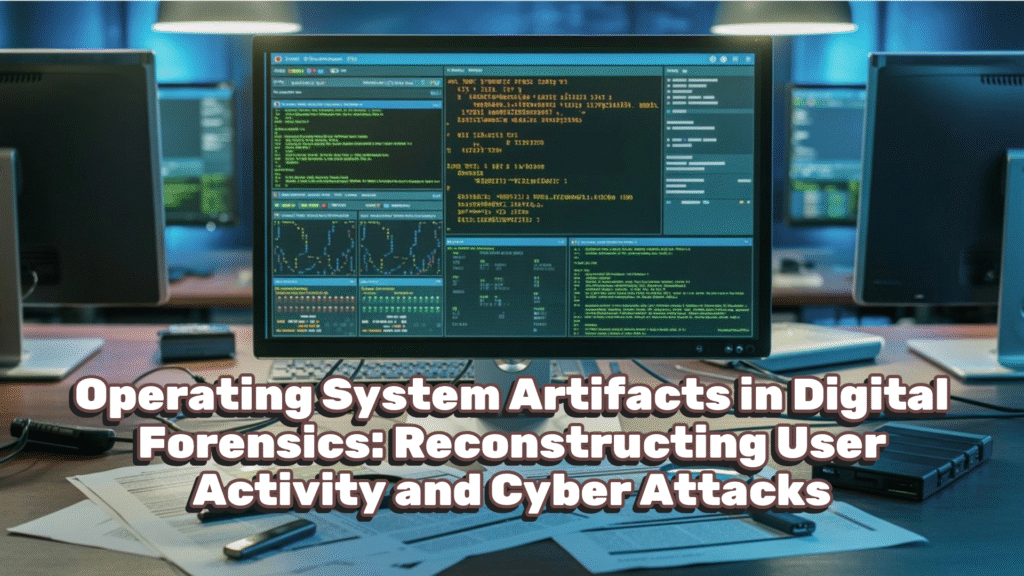
In digital forensics, the operating system is the primary witness. Every action performed by a user or attacker opening folders, executing programs, connecting devices, browsing files, disabling security controls leaves traces within the OS.
Even when files are deleted or attempts are made to cover tracks, Windows silently records evidence across registry hives, system logs, cache files, and metadata structures. By analyzing these artifacts, investigators can reconstruct user behavior, detect cyber attacks, and establish intent.
This article explains what we can find through operating system artifacts, how they are stored, and how they help uncover the truth.
Why Operating System Artifacts Matter
Operating system artifacts answer the most critical investigative questions:
- Who used the system?
- When was it used?
- What actions were performed?
- Which programs were executed?
- Was there malicious intent or security bypass?
Unlike user files, OS artifacts are system-generated, time-stamped, and often overlooked by attackers making them highly valuable and court-defensible.
File System Information
The foundation of OS analysis starts with understanding the file system.
What We Can Find
- File system type (NTFS, FAT32, exFAT)
- Volume name and serial number
- Disk layout (sectors, clusters, offsets)
- Allocated vs unallocated space
- Presence of OS, recovery, or removable partitions
Forensic Value
- Identifies connected storage devices
- Confirms boot and recovery volumes
- Supports device attribution and timelines
NTFS Transaction Logs ($LogFile)
NTFS maintains a transactional record of file system changes.
What We Can Find
- File creation, deletion, renaming
- Temporary file activity
- Metadata changes even after deletion
Forensic Value
- Detects file tampering and anti-forensics
- Reveals activity when files no longer exist
- Supports timeline reconstruction
Program Execution Evidence (AmCache)
AmCache records executed programs and drivers.
What We Can Find
- Executed binaries
- File paths and timestamps
- Driver and device usage
Forensic Value
- Proves program execution
- Identifies malware and hacking tools
- Extremely useful when executables are deleted
Prefetch Files
Prefetch files are among the strongest execution artifacts.
Location: C:\Windows\Prefetch\
What We Can Find
- Executed program name
- Last execution timestamps (up to 8)
- Run count
- Loaded DLLs
- Disk volume information
Forensic Value
- Confirms program execution beyond doubt
- Detects attacker tools even after deletion
- Helps identify initial infection and re-execution
MUICache
MUICache stores GUI execution evidence.
What We Can Find
- Executed program names
- Full execution paths
- Evidence of deleted portable tools
Forensic Value
- Confirms user-initiated execution
- Complements Prefetch and AmCache
- Very useful for portable malware
ShellBags
ShellBags record folder navigation, not file opens.
What We Can Find
- Folders browsed by the user
- Deleted folder paths
- USB and network folder access
Forensic Value
- Proves where the user navigated
- Shows access to external or confidential locations
- Persists even after folder or USB removal
MRU (Most Recently Used) Artifacts
MRU Folder Access
Records folders opened or browsed.
Value:
- Proves directory reconnaissance
- Establishes user knowledge of file structure
MRU Opened / Saved Files
Records files opened or saved via applications.
Value:
- Confirms document interaction
- Shows intent in fraud, IP theft, or data misuse cases
MRU Recent Files and Folders
Tracks recently accessed items.
Value:
- Builds user activity timelines
- Strongly correlates with LNK and Jump Lists
Windows Event Logs
Windows Event Logs provide time-stamped, system-generated evidence.
Location: C:\Windows\System32\winevt\Logs\
Types and Forensic Value
System Events
- Startup, shutdown, crashes
- System uptime validation
User Events
- Logon / logoff activity
- Session attribution
User PNP Events
- USB and hardware connection
- External device evidence
Networking Events
- Network connections
- Remote access indicators
Service Events
- Service installation and execution
- Malware persistence detection
Script Events
- PowerShell and script execution
- Fileless attack detection
Storage Device Events
- USB insertion and removal
- Data exfiltration evidence
Office Alert Events
- Macro warnings
- Malicious document activity
Windows Notification Center & Security Bypass Evidence
Why This Matters
Attackers frequently disable Virus & Threat Protection to evade detection. Windows records this activity across Notification Center and Defender logs.
What We Can Find
- Antivirus disabled/enabled timestamps
- User or process responsible
- Method used (PowerShell, registry, policy)
- Tamper Protection interference
- Security warnings shown to the user
Forensic Value
- Proves intentional security bypass
- Demonstrates malicious or unauthorized access
- Highly persuasive evidence in court
Even if protection is re-enabled, log evidence usually remains.
Correlation: How Investigators Reconstruct the Truth
When combined, OS artifacts answer critical questions:
- What folders were browsed? → ShellBags, MRU
- What files were opened or saved? → MRU, LNK
- What programs were executed? → Prefetch, AmCache, MUICache
- Was external storage used? → Event Logs, ShellBags
- Was security bypassed? → Notification Center, Defender Logs
- Was there malicious intent? → Correlation of all above
Correlation turns fragments into a defensible timeline.
Conclusion
Operating system artifacts form the backbone of digital forensic investigations. From user navigation and document access to malware execution and security bypass attempts, they provide reliable, time-stamped, court-admissible evidence.
A skilled investigator does not rely on a single artifact—but on correlation across the operating system, where the truth inevitably reveals itself.
How Xpert Forensics Can Help
At Xpert Forensics, we specialize in uncovering hidden digital trails. Our certified forensic investigators use industry-leading tools and methodologies to ensure that every byte of evidence is discovered, validated, and reported.
Need expert digital forensic support or training?
📩 Feel free to connect with us today. | Email: service@xpertforensics.in
This helps alot in my investigation.